
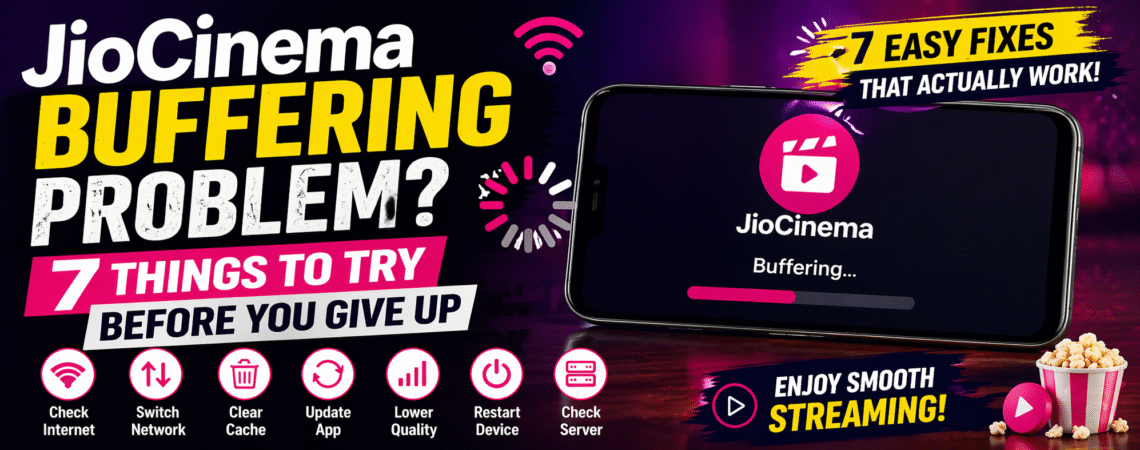
If JioCinema keeps buffering while you’re trying to watch a movie or live match, it can get frustrating fast.
You tap play… it loads… and then keeps buffering again and again.
The good news?
👉 In most cases, this problem can be fixed in just a few minutes.
In this guide, we’ll walk you through 7 simple fixes that actually work so you can enjoy smooth streaming again.
🤔 Why JioCinema Keeps Buffering
Before jumping into fixes, it helps to understand the reason.
Buffering usually happens due to:
- Slow internet connection
- App issues or bugs
- Server overload (especially during live matches)
- Device performance problems
⚡ 7 Fixes That Actually Work
1️⃣ Check Your Internet Speed
Streaming needs a stable connection.
👉 Recommended:
- SD: 3–5 Mbps
- HD: 10+ Mbps
If your internet is slow, buffering will happen no matter what.
💡 Tip: Run a quick speed test before trying anything else.
2️⃣ Switch Between WiFi and Mobile Data
Sometimes the issue isn’t speed—it’s network stability.
👉 Try this:
- If using WiFi → switch to mobile data
- If using data → switch to WiFi
You’ll be surprised how often this fixes the problem.
3️⃣ Lower Video Quality
High-quality streaming needs more data.
👉 Inside JioCinema:
- Reduce from HD → Medium or Low
This can instantly stop buffering.
4️⃣ Clear App Cache
Over time, the app stores temporary data that can cause issues.
Android:
- Settings → Apps → JioCinema → Storage → Clear Cache
iPhone:
- Reinstall the app (best option)
5️⃣ Update the JioCinema App
Old versions can have bugs.
👉 Go to Play Store / App Store
👉 Update JioCinema
This often fixes playback issues.
6️⃣ Restart Your Device
Simple but powerful.
👉 Restart your phone or TV
This clears background apps and improves performance.
7️⃣ Check JioCinema Server Status
If nothing works, the problem might not be on your side.
👉 During big events (like IPL), servers get overloaded.
In that case:
- Wait a few minutes
- Try again later
🧠 When Nothing Works
If buffering still continues:
- Reinstall the app
- Try another device
- Contact Jio support
💡 Pro Tips for Smooth Streaming
- Use stable WiFi
- Avoid background downloads
- Keep your app updated
- Watch during non-peak hours
✅ Final Thoughts
JioCinema buffering can be annoying, but in most cases, it’s easy to fix.
Start with internet speed, then move through the fixes step by step. One of them will usually solve the problem quickly.
📺 Related Jio Guides & Fixes
🌍 Official Resources & Support
- JioCinema Official Website – Watch movies, shows, and live sports directly on the platform.
- JioCinema Help & Support – Find official troubleshooting steps and app support.
- Reliance Jio Official Website – Explore Jio services, plans, and updates.
❓ FAQ Section
Q1. Why is JioCinema buffering even with fast internet?
Sometimes server load or app issues can cause buffering even with good speed.
Q2. How to fix JioCinema buffering on TV?
Restart the TV, check WiFi connection, and reduce video quality.
Q3. Is JioCinema down today?
It can happen during live events. Try again after some time.
Q4. Does clearing cache fix buffering?
Yes, clearing cache can improve app performance.


