
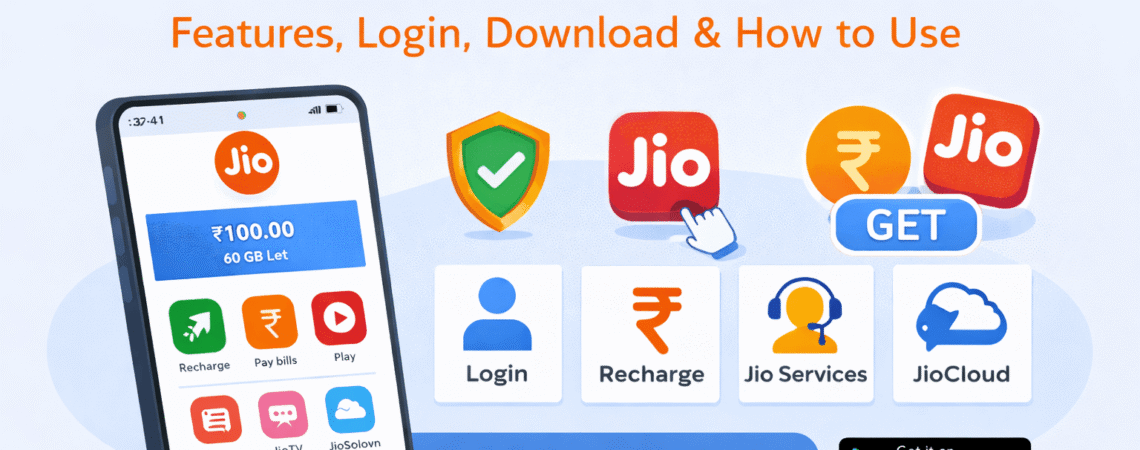
If you’re a Jio user, chances are you’ve already heard about the MyJio app. For many people, it’s the go-to app for checking balance, recharging, paying bills, and managing all Jio services in one place.
Still, a lot of users only use a small part of what the app actually offers. In this guide, I’ll explain what the MyJio app is, how to use it properly, and what you can do if something doesn’t work as expected.
What Is the MyJio App?
The MyJio app is Jio’s official self-service application for prepaid, postpaid, JioFiber, and JioAirFiber users.
It allows you to manage your Jio connection without calling customer care or visiting a store.
With the MyJio app, you can:
- Check balance and data usage
- Recharge your number or pay bills
- View active plans and validity
- Access Jio apps and services
- Get customer support
In short, it’s a single dashboard for everything related to Jio.
How to Download the MyJio App
You can download the MyJio app from the official app stores:
- Android users: Google Play Store
- iPhone users: Apple App Store
Just search for “MyJio”, install the app, and open it.
👉 Make sure you download the app published by Reliance Jio Infocomm Ltd. to avoid fake apps.
How to Login to MyJio App
Logging into the MyJio app is simple.
Steps to login:
- Open the MyJio app
- Enter your Jio mobile number or JioFiber number
- Tap on Generate OTP
- Enter the OTP sent to your number
Once verified, you’ll be logged in automatically.
You usually don’t need to log in again unless you clear app data or change your phone.
Key Features of the MyJio App
1. Balance & Data Usage
You can instantly check:
- Remaining data
- Validity
- Voice and SMS balance
This helps avoid sudden data exhaustion.
2. Recharge & Bill Payment
The app allows quick recharges for:
- Jio prepaid
- Jio postpaid
- JioFiber
You can also view past recharge history and invoices.
3. Manage JioFiber Services
JioFiber users can:
- Check broadband plan details
- View usage
- Pay bills
- Raise service requests
Everything is available in one place.
4. Access to Jio Apps
From the MyJio app, you can access:
- JioCinema
- JioTV
- JioSaavn
- JioCloud
No need to download each app separately.
5. Customer Support
The MyJio app offers:
- Chat support
- FAQs
- Service request tracking
This is often faster than calling customer care.
How to Use MyJio App for Recharge
Here’s how most users recharge using MyJio:
- Open the app
- Go to Recharge
- Select a plan
- Choose a payment method
- Complete payment
Recharge details are updated instantly in most cases.
Common MyJio App Problems & Fixes
MyJio App Not Working
Try these steps:
- Update the app to the latest version
- Clear app cache
- Check internet connection
- Restart your phone
OTP Not Received
- Wait for a minute and retry
- Check network signal
- Make sure DND is not blocking messages
Login Issues
If login fails:
- Reinstall the app
- Try logging in after some time
- Ensure the correct mobile number is entered
Is the MyJio App Free?
Yes.
The MyJio app is completely free to download and use. There are no hidden charges for using basic services.
Who Should Use the MyJio App?
The MyJio app is useful for:
- Jio prepaid users
- Jio postpaid users
- JioFiber customers
- Users who want quick support without calling
If you use any Jio service, installing MyJio makes life easier.
🔗 Related Guides & Tools
Final Thoughts
The MyJio app is more than just a recharge tool. It’s a complete service manager for all Jio users. Once you explore its features properly, you’ll rarely need customer care or physical stores.
If you use Jio regularly, keeping the MyJio app updated is definitely worth it.


